
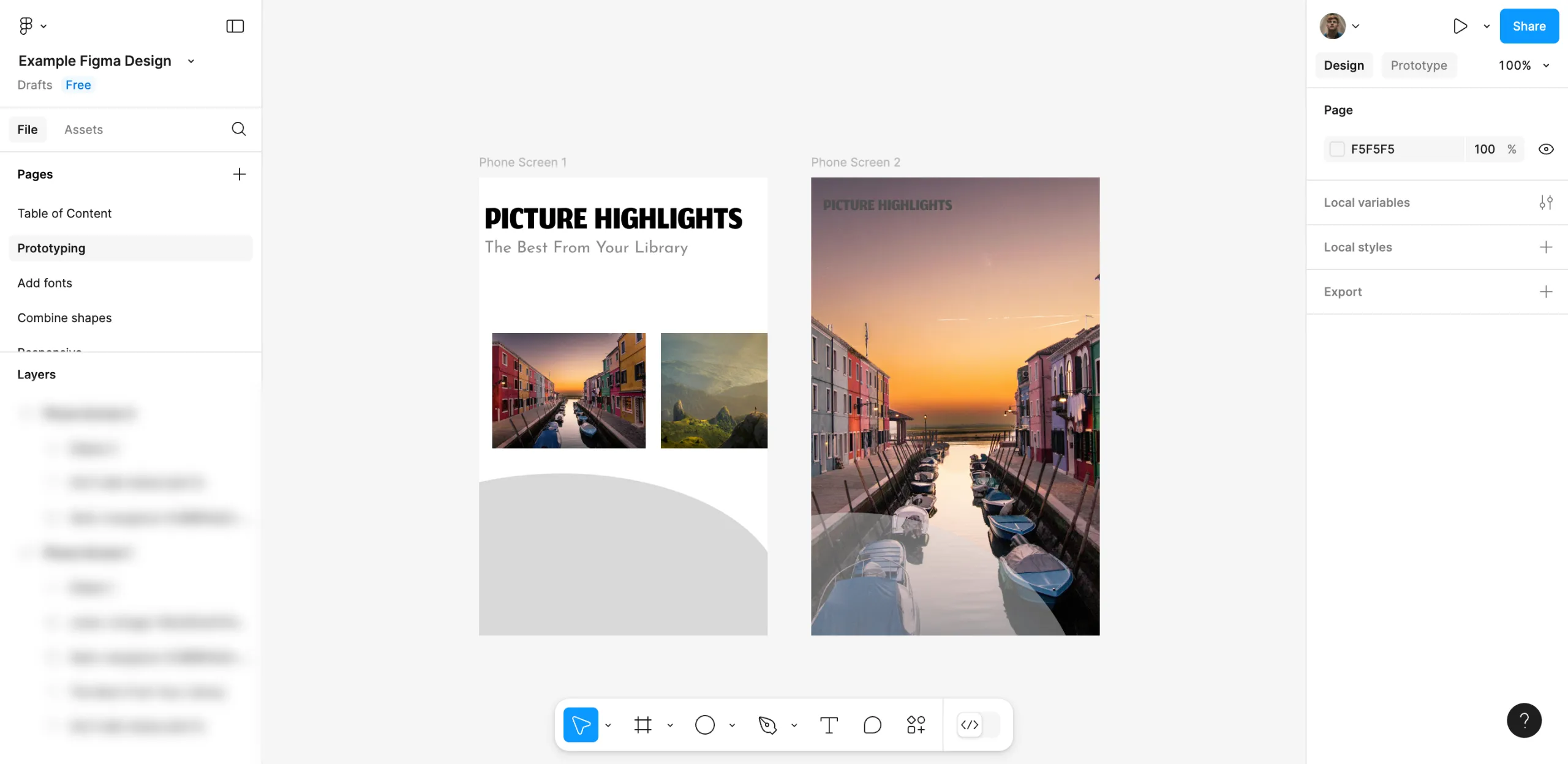
It is very easy to create a prototype in Figma. Here’s a short guide on how to do it in simple steps:
1.Move your mouse to the right-side area and hit the ‘Prototype’ tab.
2.Subsequently, pick out the object from the canvas that you want to build on first.
3.Hit the ‘Add’ icon after and then drag it to another item to establish a link.
4.After that, adjust the Interaction settings in a way you prefer. Set the Trigger, Action and Destination that you prefer.and Animation to complete the design of the pages.
5.When it is finished, click the ‘Present’ button at the top-right corner to look at the prototype.
6.When the before-mentioned steps are done, your Figma design will become a prototype. Trigger your setting to see the results appear on the screen.
FAQ'S
How to Create a Prototype in Figma
We make websites that bring joy and meet your goals.
We create digital experiences that not only capture the users but also empower businesses in a highly competitive world. We are dedicated towards developing creative solutions that will easily fuse creativity with functionality, with long-lasting effects.

