
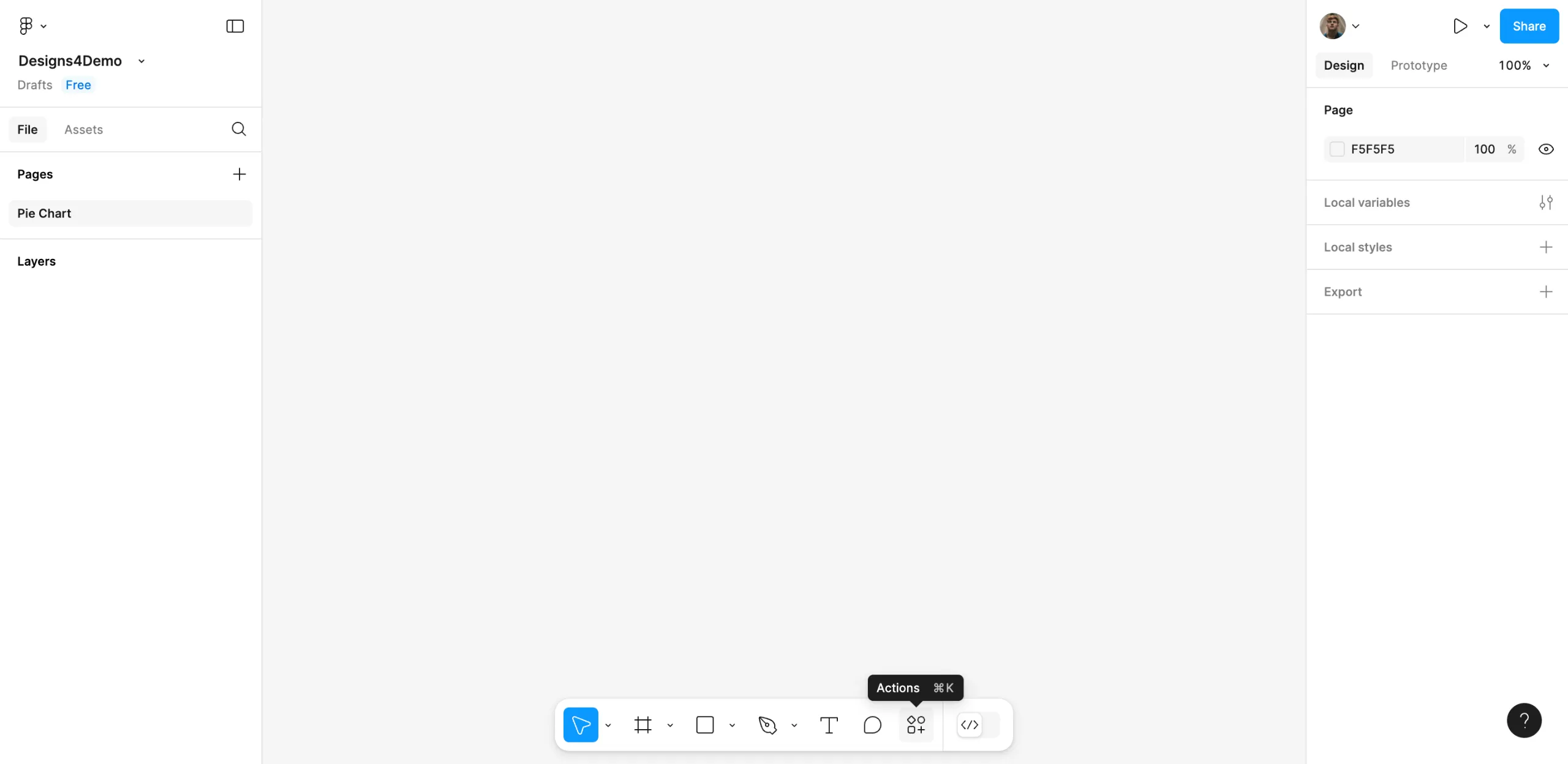
Setting up a pie chart in Figma can be done easily using the Pie Chart plugin. I’ll walk you through the process of doing it here:
1.Tap the Actions button which is located in the bottom part of your Figma canvas.
2.Pick ‘Pie Chart’ from the options when you search for it.
3.Afterwards, hit ‘Edit’ to get started with your modifications.
4.Personalize the available settings as you like and then share the real information you want to apply.
5.As soon as you finish, tap any place around the canvas to see your designs.
6.Upon completing each of these steps, the pie chart is made and placed into your Figma layout.
FAQ'S
How to Make a Pie Chart in Figma
We make websites that bring joy and meet your goals.
We create digital experiences that not only capture the users but also empower businesses in a highly competitive world. We are dedicated towards developing creative solutions that will easily fuse creativity with functionality, with long-lasting effects.

